
资源名称:
After Effects使用静态图像创建高速摄像机拍摄的镜头制作超慢动作特效教程
资源简介:
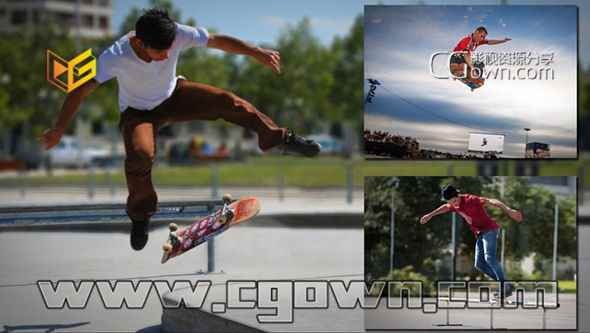
Digital Tutors – Creating a High-Speed Camera Effect with After Effects
在本次After Effects教程中,我们将通过使用静态图像创建一个高速摄像机拍摄的镜头制作超级慢动作效果的过程。我们将使用Photoshop来解构我们的照片开始。
我们将使用各种工具对我们的行动部分从图像的其余部分分离,我们将修复我们的背景缺失的信息。下一步,我们将在我们的分层的Photoshop文件拉进After Effects中的成分。从这里,我们将创建由我们的动画层高速的效果。最后,我们将结合我们的剪辑成一个成分,并添加一些最后的润色拉我们一起组成。
In this series of After Effects tutorials, we’ll go through the process of creating a high-speed camera effect using still images. We’ll start by using Photoshop to deconstruct our photographs.
We’ll use various tools to separate our action pieces from the rest of the image and we’ll repair any missing information in our backgrounds. Next, we’ll pull in our layered Photoshop documents into After Effects as compositions. From there, we’ll create the high-speed effects by animating our layers. And finally, we’ll combine our clips into one composition and add some final touches to pull our composition together.
By the end of this After Effects training, you’ll know several ways to separate backgrounds from your photos in Photoshop and also some creative ways to animate your still compositions in After Effects to create the illusion of high-speed camera effects.
简介视频:
合成素材资源推荐:
